
A world worth exploring.
Samsung Galaxy S26 Ultra: Which Upgrades Are Actually Worth Paying For?
Technology · Buying analysisPrivacy Display, camera changes, battery evidence, and a practical way to decide whether upgrading makes sense.
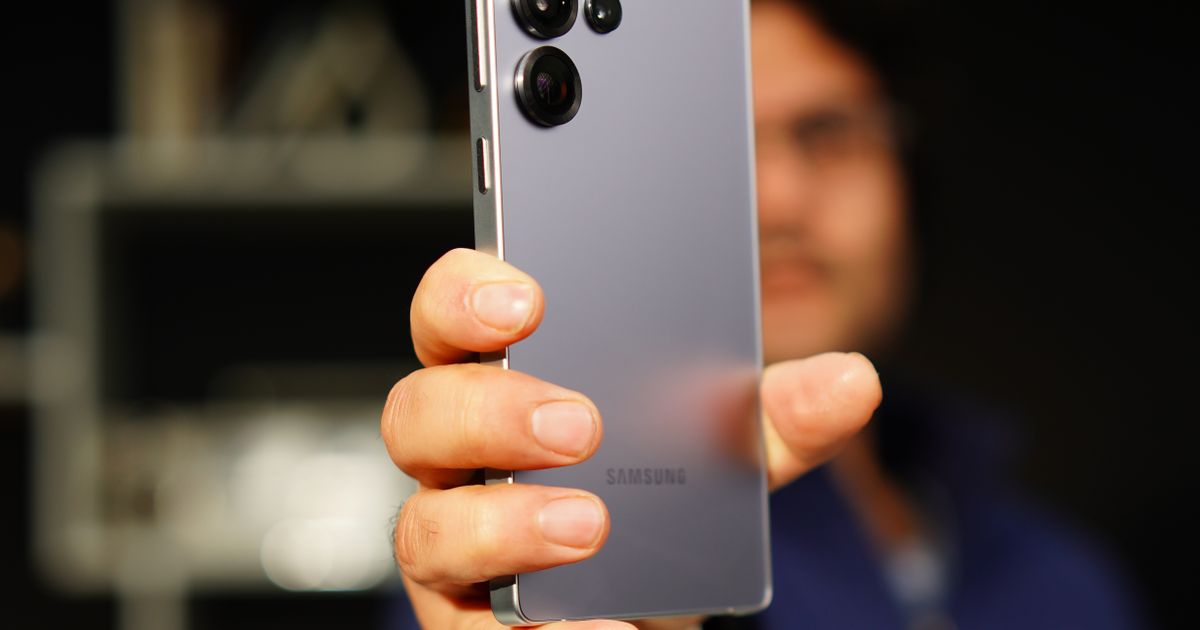
A phone can be better than its predecessor and still be an unnecessary purchase.
That is the question worth asking about the Samsung Galaxy S26 Ultra. If your current phone already gets you through the day, takes photos you like, and runs your apps comfortably, a longer feature list does not settle the upgrade decision.
The more useful test is whether the S26 Ultra fixes something that regularly bothers you.
Privacy Display gives the Ultra a specific reason to exist
The S26 Ultra’s most interesting feature has an unusually straightforward purpose: making your screen harder to read from the side.
Samsung’s built-in Privacy Display can apply to the whole screen, selected apps, or sensitive elements such as notifications. Unlike an adhesive privacy filter, it can be switched on when needed. Samsung explains the feature here.
Imagine checking a client message on a crowded train. You need to read it; the person beside you does not. That is a more convincing use case than another abstract promise about productivity.
There is a trade-off, however. In its hands-on review, Tom’s Guide reported narrower viewing angles and a slightly dimmer display than the S25 Ultra, including with privacy mode disabled. The publication also noted that Samsung supplied different brightness results and that further testing was planned. Read the original review.
That makes an in-store comparison worthwhile. Open a page with small text, look at it straight on, then tilt the phone as you would while sharing a photo with someone.
The buying question: Do you frequently want to conceal your screen, or do you frequently want to share it? Your answer matters more than the novelty.
The camera upgrade needs more than a megapixel headline
Samsung lists a 200MP main camera with an f/1.4 aperture and a 50MP telephoto camera with an f/2.9 aperture. These are more useful details to examine than the headline resolution alone. See Samsung’s camera specifications.
A wider aperture can admit more light, but it does not guarantee better results in every situation. Subject movement, processing, focus, and exposure decisions still matter.
Before buying, identify the photographs your current phone gets wrong.
Is it a moving child indoors? A restaurant portrait? A distant performer? Those are different problems. A dramatic night skyline sample will tell you little about whether a camera handles a person moving across a dim room.
Look for full-resolution comparison images that match your actual habits. Examine faces and moving subjects, rather than judging only bright signs and stationary buildings.
For someone who already likes their current camera, this is a reason to investigate—not an automatic reason to upgrade.
Battery testing is more useful than battery capacity
The S26 Ultra has a 5,000mAh battery. Samsung also specifies 60W wired charging, with a compatible adapter sold separately. Samsung’s launch information provides the charging details.
Capacity alone cannot tell you how long a phone will last.
Tom’s Guide recorded 16 hours and 10 minutes in its battery test, compared with 14 hours and 27 minutes for the S25 Ultra. Its test involves web browsing over 5G at 150 nits of screen brightness. These are that publication’s results, rather than a Kurio Daily measurement. See the test and methodology.
That is encouraging evidence under a defined workload. It is not a promise that navigation, gaming, video recording, and poor reception will produce the same runtime.
Ask what your battery problem actually is:
- If your phone struggles to last until dinner, endurance matters.
- If you regularly forget to charge it, convenient top-ups may matter more.
- If an older battery has deteriorated, price a replacement before replacing the entire phone.
That last option deserves a place in any honest upgrade comparison.
A large phone remains a large phone
Samsung lists a 6.9-inch display and a weight of 214g. See the official dimensions and specifications.
Those numbers leave an important question unanswered: will you enjoy carrying it?
Try reaching the top of the screen with one hand. Hold it as if you were reading in bed. Consider the case you would actually use.
A generous display can be appealing for maps, documents, and editing photographs. It can also become the reason you keep shifting the phone between your hand, pocket, and bag.
Comfort is difficult to communicate in a specification table. Give it a few minutes in a shop.
Put a price on the inconvenience you want to remove
Consider a hypothetical upgrade:
| Item | Illustrative amount |
|---|---|
| New phone | $1,200 |
| Case and compatible charger | $80 |
| Money received for the old phone | −$400 |
| Net upgrade cost | $880 |
These figures are an example, not a current offer.
Spread over three years, that is about $24.44 per month. Financing costs, taxes, repairs, and the new phone’s eventual resale value are excluded.
Now finish this sentence:
“I would pay roughly $24 a month to stop dealing with ______.”
If the blank contains a daily frustration, the upgrade may have a defensible purpose. If it contains “having last year’s phone,” you have learned something useful before spending the money.
Who should consider it—and who can wait?
The S26 Ultra deserves a closer look if you want a large flagship and its privacy feature addresses a recurring need. It also warrants investigation if your current phone is ageing and you can identify camera or battery limitations that the available evidence suggests it may improve.
If you own a recent flagship that still works well, start with a higher burden of proof. Find the specific improvement you would notice each week, then check whether it survives a hands-on comparison.
Our assessment is that Privacy Display gives the S26 Ultra its clearest distinction. Whether that distinction is worth paying for depends on where you use your phone and what you need to keep private.
Before ordering, write down three things your current phone does badly. Take that list to the store. Leave the launch presentation at home.
How did this article leave you feeling?
Choose one. You can change your mind or tap again to remove your reaction.
Draft preview — reactions open when this story is published.